Registration and Login
Email Verification Failure Troubleshooting
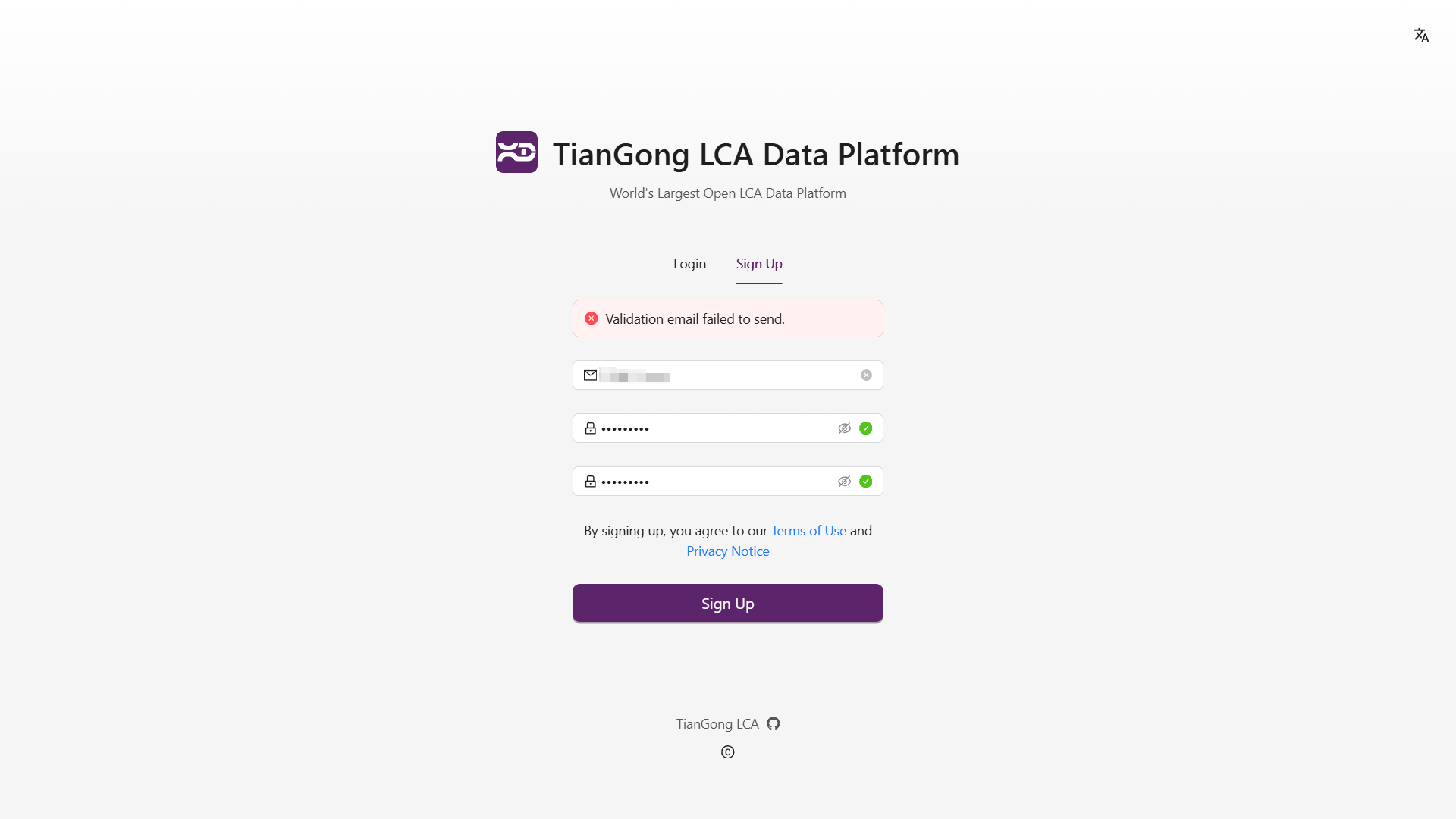
If you encounter email verification failures during registration or login, please refer to the following troubleshooting steps:
- Incorrect Email Address: Ensure the email address is entered correctly, avoiding case sensitivity issues, full-width/half-width character mix-ups, or input method interference.
- Password Requirements Not Met: For security purposes, passwords must meet certain criteria. Simple passwords are not allowed, and Chinese punctuation is not supported. We recommend using a combination of letters, numbers, and standard English symbols.
- Email Provider Issues: Try using alternative email providers such as
@qq.com,@163.com,@126.com,@sina.com, or university emails ending with.eduor.edu.cn. Corporate or international email addresses may face service blocks or domain restrictions. - Unstable Network Connection: Weak network conditions may cause request failures. Try switching to a more stable network.
- Browser Issues: Clear your browser cache or try a different browser before attempting verification again.
If problems persist after following these steps, please contact our support team at contact@tiangong.earth with detailed information for further assistance.